This page contains affiliate links. If you make a purchase through one, we may earn a commission at no extra cost to you.
Getting caught in a data breach usually isn’t something you did wrong — it’s a company holding your data getting compromised. What you do next is what actually matters.
1. Confirm What Was Actually Exposed
Breach notifications are often vague. Check what specific data was involved — password, payment info, government ID — since the right response depends heavily on which.
2. Change the Password — Everywhere You Reused It
Not just on the breached site. If that password (or a close variant) exists anywhere else, it’s now effectively compromised there too. This is the exact scenario a password manager like RoboForm is built to prevent going forward — unique, generated passwords mean one breach never cascades into others. If you’re not already using one, this is the moment it pays for itself — the paid Premium tier is inexpensive relative to what one cascading breach actually costs.
3. Check for Unusual Account Activity
Login history, connected devices, sent messages you didn’t send. Most services surface this somewhere in account settings.
4. Consider a Credit Freeze for Financial or Government ID Breaches
Not necessary for every breach, but worth it if the exposed data could support identity theft specifically, not just account takeover.
5. Make Sure This Couldn’t Have Been Worse
A breach is a good moment to check that your own backups are actually current and working — via something like AOMEI Backupper (free to start, with an affordable Professional tier available) — so that a breach on someone else’s end never compounds into data loss on yours.
A step worth adding for anyone who’s been through this more than once: after your second or third breach notification in a short span, it’s worth reviewing exactly which sites and services actually need your real information versus a lesser-used email address specifically for lower-stakes signups, to reduce your overall exposure surface going forward.
Checking Whether You’ve Actually Been in a Breach (Not Just This One)
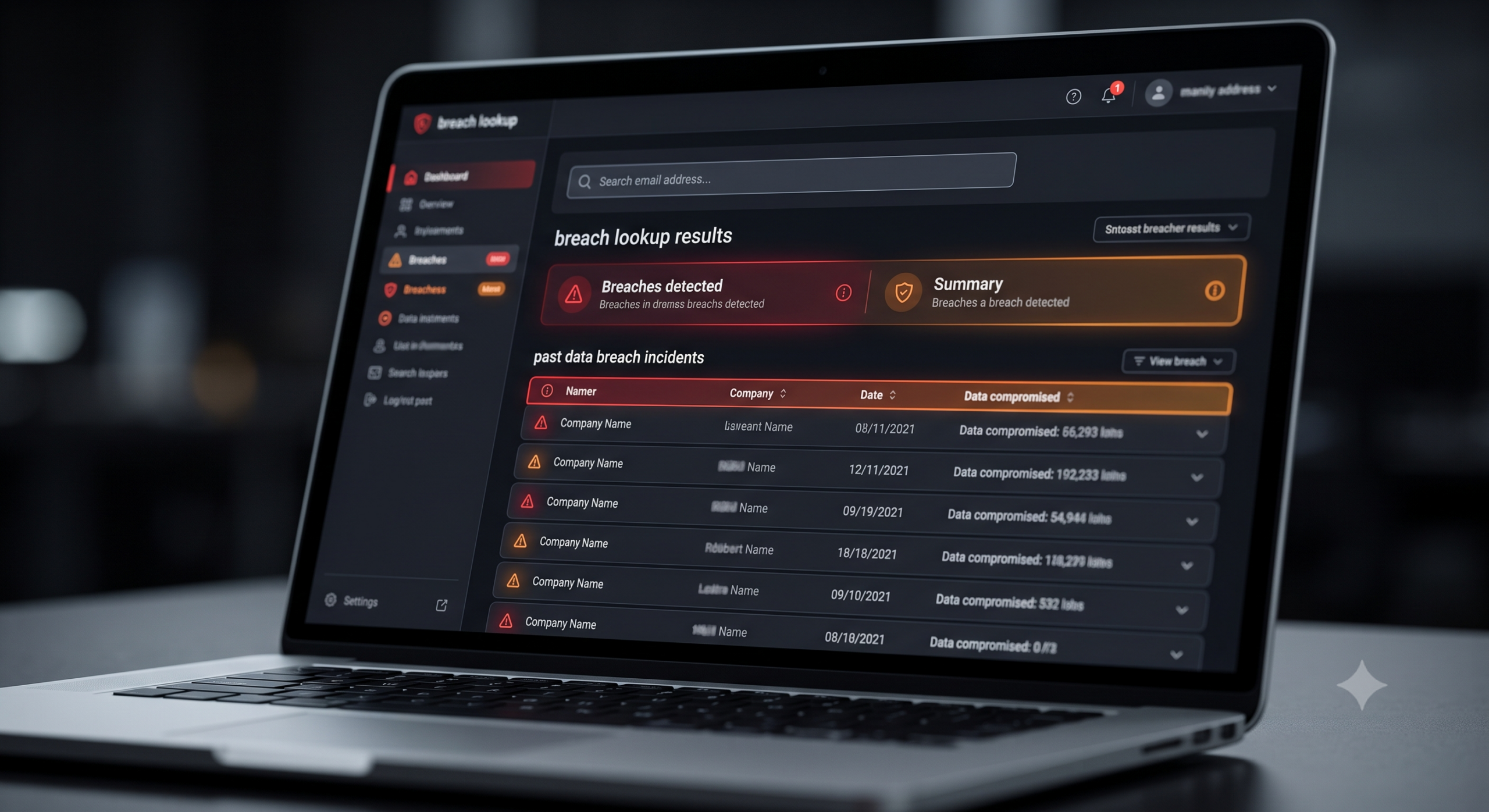
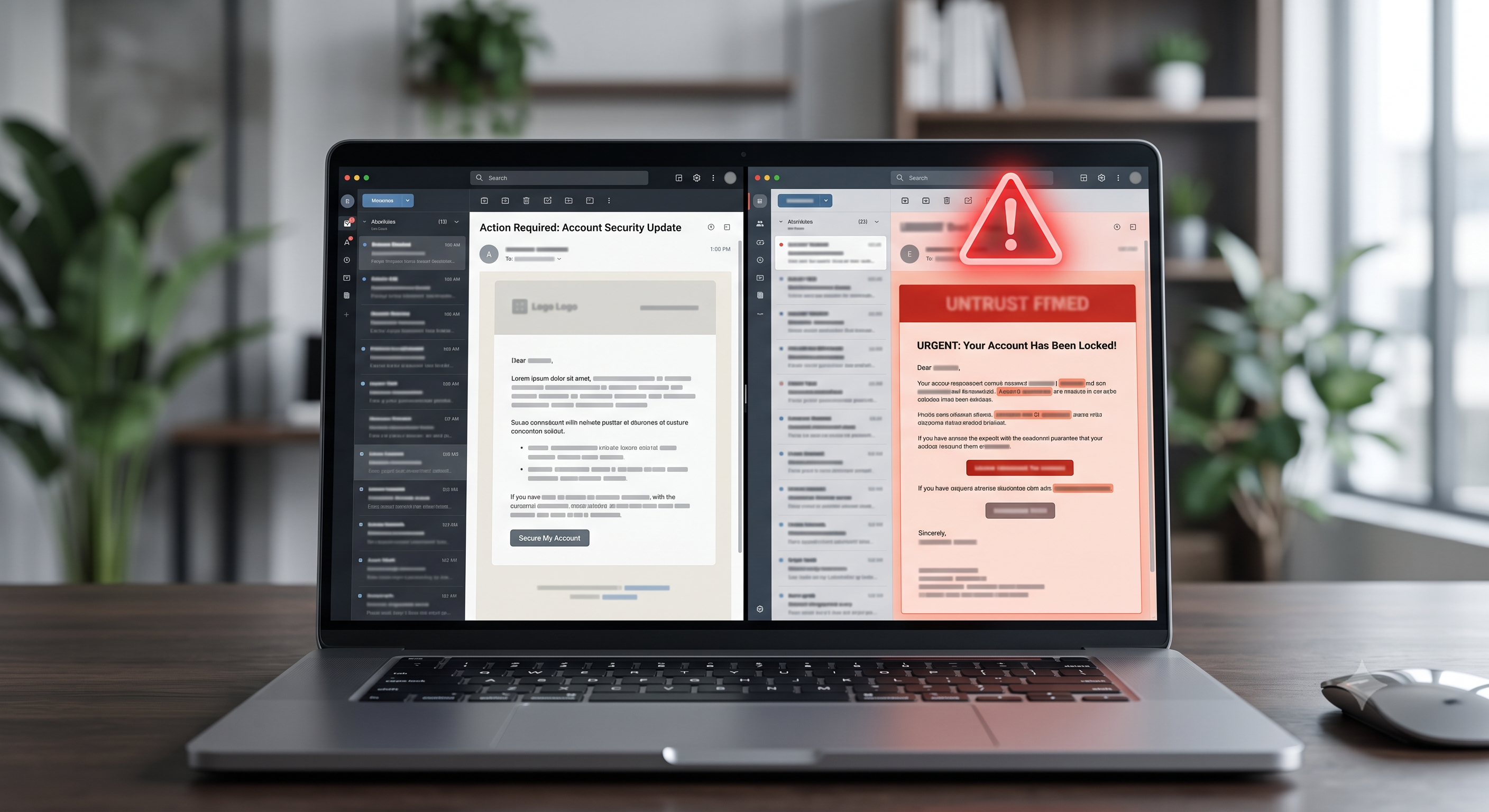
A single breach notification is rarely the whole picture. Free breach-lookup services — the best-known being Have I Been Pwned, run independently of any company whose data it indexes — let you search an email address against a running database of known, confirmed breaches and see every incident it’s turned up in, not just the one you happened to get notified about. It’s worth checking every email address you actually use, not just your primary one, since older or secondary addresses often carry years of accumulated breach exposure nobody ever acted on.
These services can also notify you automatically going forward, so a future breach involving your email surfaces immediately instead of depending on the breached company sending a notification at all — some smaller or overseas services never send one, or send it months after the fact. Setting up that ongoing monitoring takes about two minutes and is free, and it’s the difference between finding out about a breach the day it’s confirmed versus finding out by accident months later when something goes wrong on an account you’d forgotten was tied to that email.
Real Breach Notification vs. Phishing Scam Using a Breach as Bait
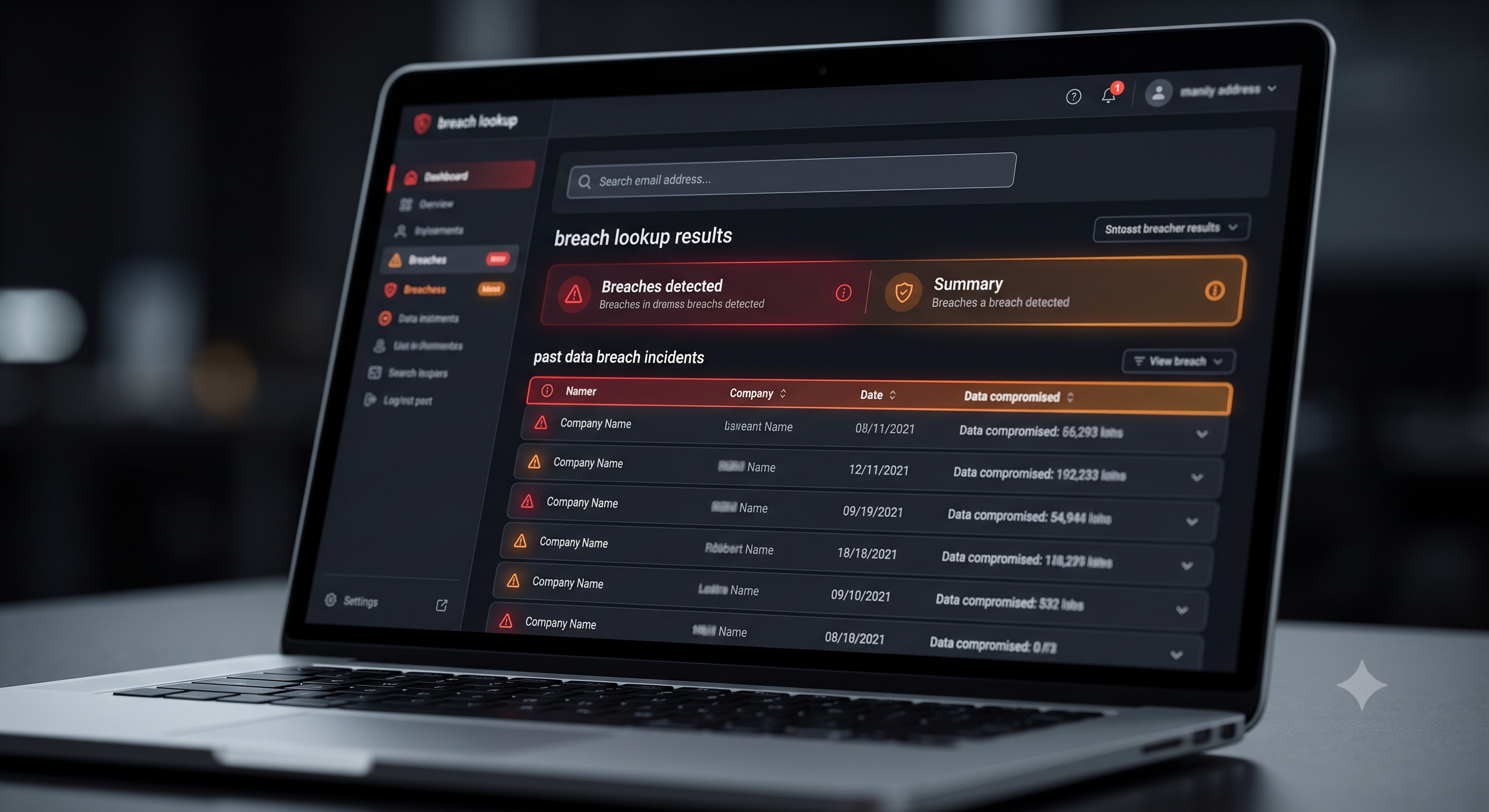
Every real breach is followed within days by a wave of scam emails impersonating the breached company, using the breach itself as the hook — “your account was compromised, click here to secure it” — to phish the exact credentials the original breach didn’t expose. A few checks separate the real notification from the scam riding on top of it:
- Check the sender’s actual email domain, not just the display name. A display name reading “Account Security Team” can be sent from any address — the domain after the @ symbol is what actually identifies the sender, and scam versions are almost always slightly off from the real company domain.
- Don’t click the link in the email at all. Go directly to the company’s site by typing the address yourself or using a bookmark, and check your account settings or notifications from there instead. A real breach notification never requires clicking a link in the email to be valid.
- Be suspicious of urgency and threats. “Your account will be permanently locked in 24 hours” is a pressure tactic designed to short-circuit exactly the kind of careful checking this section describes — real companies handling a real breach give you real time to respond.
- Never enter your password to “verify” it’s still secure. No legitimate breach response ever requires you to type your current password into a link from an email — that request is itself the scam, not a security step.
If a notification passes all four checks and still looks legitimate, it’s still worth verifying independently — log into the account directly (never through the email’s link) and check for a security notice there, or check the company’s official press page or status page for confirmation of the breach.
Reading a Breach Notification Correctly
Breach notifications are frequently vague by design (or by legal caution), using phrases like “may have included” rather than confirming specifics. Look for the actual data categories listed — email, password (and whether it was hashed/encrypted or plaintext), payment card details, government ID numbers — since the right response differs enormously depending on which. A breach exposing only email addresses calls for less urgency than one exposing plaintext passwords or financial details.
The Order That Actually Matters
Change the breached password first, immediately, before doing anything else — this stops the most time-sensitive risk. Then change that same password anywhere else you reused it, which matters more than people expect, since credential-stuffing attacks specifically try breached passwords against other popular sites within hours of a breach going public. Only after those two steps should you move to slower items like credit monitoring or freezes, which matter for a different, slower-moving risk (identity theft) rather than immediate account takeover.
When to Involve Your Bank or Card Issuer Directly
If payment card details were part of the breach, contact your card issuer directly rather than waiting to see if fraud actually occurs — most issuers can proactively reissue a card number in these cases, which closes the exposure entirely rather than requiring you to monitor for suspicious charges indefinitely. This is a five-minute phone call that removes an ongoing risk, and issuers deal with this constantly — it’s a routine request on their end, not an overreaction.
The Free Credit Monitoring Offer That Often Follows a Breach
Companies responding to a breach involving financial or identity data frequently offer a year or two of free credit monitoring through a third-party service, usually mentioned near the bottom of the breach notification itself. It’s generally worth signing up for — there’s no real downside to free monitoring, and it catches new account openings or credit inquiries you didn’t initiate. But it’s worth being clear about what it actually does: it alerts you after suspicious activity has already happened, it doesn’t prevent identity theft from occurring in the first place. A credit freeze, by contrast, prevents new accounts from being opened at all in most cases, which is a stronger protection for the specific risk a financial-data breach creates.
Sign-up windows for these free offers are often time-limited — typically 90 days to a year from the breach notification — so it’s worth acting on the offer soon after receiving it rather than filing the notification away to deal with later. And read what happens when the free period ends: some services auto-enroll you into a paid subscription unless you actively cancel, which is worth calendaring a reminder for if you sign up.
Frequently Asked Questions
How do I even know if I was affected by a specific breach?
Breach notification services (searchable by email address) can tell you which known breaches your information has appeared in. Company breach notifications, when they happen, are also legally required in most jurisdictions.
Should I close the affected account entirely?
Not necessarily — changing the password (and enabling two-factor authentication if available) is usually sufficient unless the account itself is no longer something you use or trust.
How long does it take for breached data to actually get misused?
It varies enormously, from immediate automated attempts to years later. This is exactly why changing reused passwords everywhere, not just on the breached site, matters — you can’t predict the timeline, so closing the gap immediately is the only reliable defense.
Does a password manager actually prevent future breaches from affecting me?
It can’t stop a company’s servers from being breached, but it contains the damage — since every account has a unique password, one breach never gives an attacker the key to your other accounts too.
Is it safe to enter my email into a breach-checking site?
Reputable breach-lookup services check your email against their existing breach database rather than sending anything on your behalf, and don’t ask for your password to do it. If a “breach checker” ever asks you to enter a password, that’s the scam pattern described above, not a legitimate lookup tool.