
This page contains affiliate links. If you make a purchase through one, we may earn a commission at no extra cost to you.
These get lumped together constantly, and they solve completely different problems. Understanding the difference matters more than picking a winner.
What a Firewall Actually Does
A firewall filters traffic in and out of your device or network based on rules — blocking unrequested inbound connections, stopping specific ports, that kind of thing. You almost certainly already have one running right now, built into your operating system or your router. It’s protecting you from unsolicited connection attempts.
What a VPN Actually Does
A VPN encrypts your traffic and routes it through another server, so whoever’s operating the network you’re connected to — a coffee shop, an airport, in some cases your own ISP — can’t see what you’re actually doing. Surfshark does this without the speed hit that made VPNs annoying a decade ago, across a network of 4,500+ servers in 100+ countries, and without capping how many devices in your home can use it at once.
Why This Isn’t Actually an Either/Or
A firewall doesn’t protect your traffic from the network you’re connected to. A VPN doesn’t block unsolicited inbound connections to your device. They’re answering different questions. If you’re only going to actively manage one of them, though, it’s the VPN — your firewall is almost certainly already on and working; your VPN is not, until you turn it on.
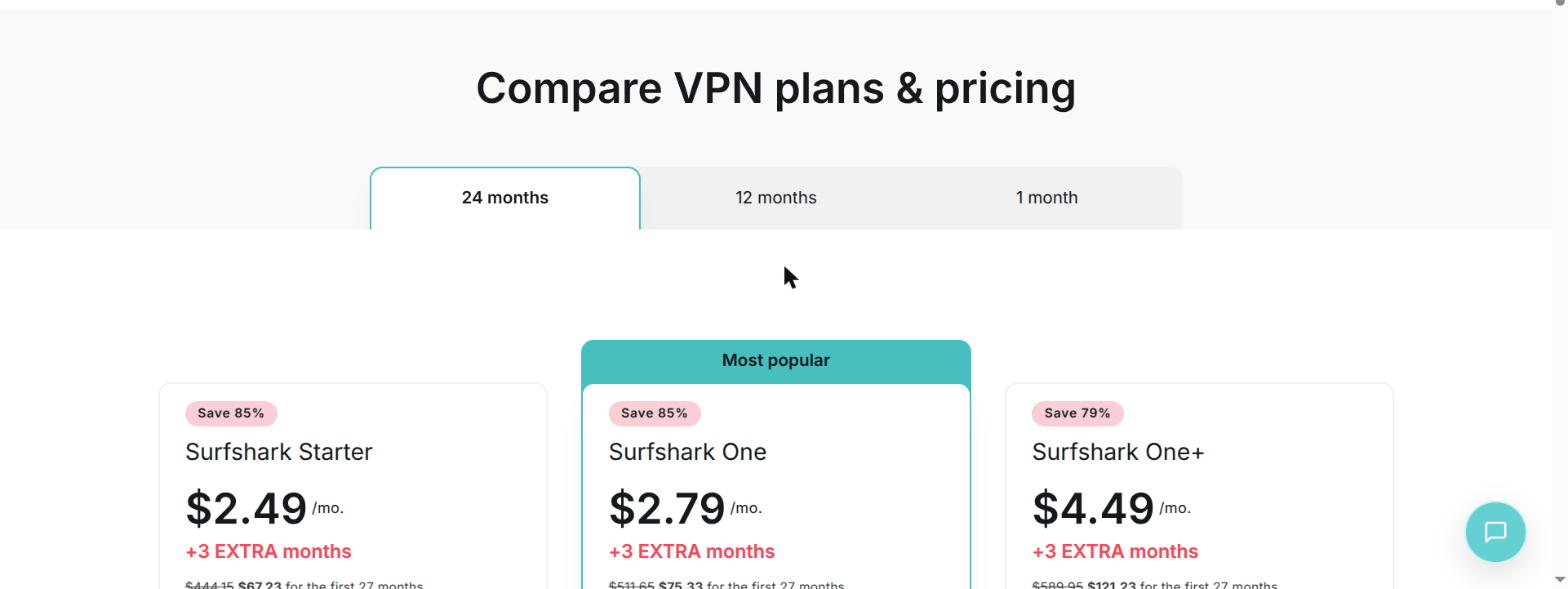
Get Surfshark to cover the gap your firewall was never designed to close — entry-tier pricing is genuinely low, with a 7-day free trial and 30-day money-back guarantee if you want to test it risk-free first.
An analogy that tends to click: a firewall is like the locks on your doors, deciding what’s allowed in and out of your house. A VPN is like tinted windows and a private driveway — it doesn’t change who can enter, it changes who can see what’s happening inside. Both matter, and neither substitutes for the other.
What Your Router Is Actually Doing Right Now
Most home routers run Network Address Translation (NAT) alongside a basic firewall, and together these mean unsolicited inbound connections from the internet are rejected by default — nobody can just connect directly to a device on your home network from outside without you first initiating contact. This is genuinely useful and already working whether you’ve configured anything or not. What it doesn’t do is inspect or control the content of outbound traffic your own devices send out, which is precisely the gap a VPN closes.
Router-Level Settings Worth Checking Once
- Change the default admin password on the router itself, not just your wifi password — default router admin credentials are widely known and specifically targeted.
- Disable remote administration unless you specifically need to manage the router from outside your home network.
- Keep router firmware updated — many routers don’t update automatically, and unpatched router vulnerabilities are a real, ongoing source of home network compromise.
- Turn off UPnP (Universal Plug and Play) unless a specific device or application needs it — it can automatically open inbound ports in ways you didn’t explicitly approve.
Your Phone Has a Firewall Too — It Just Doesn’t Look Like One
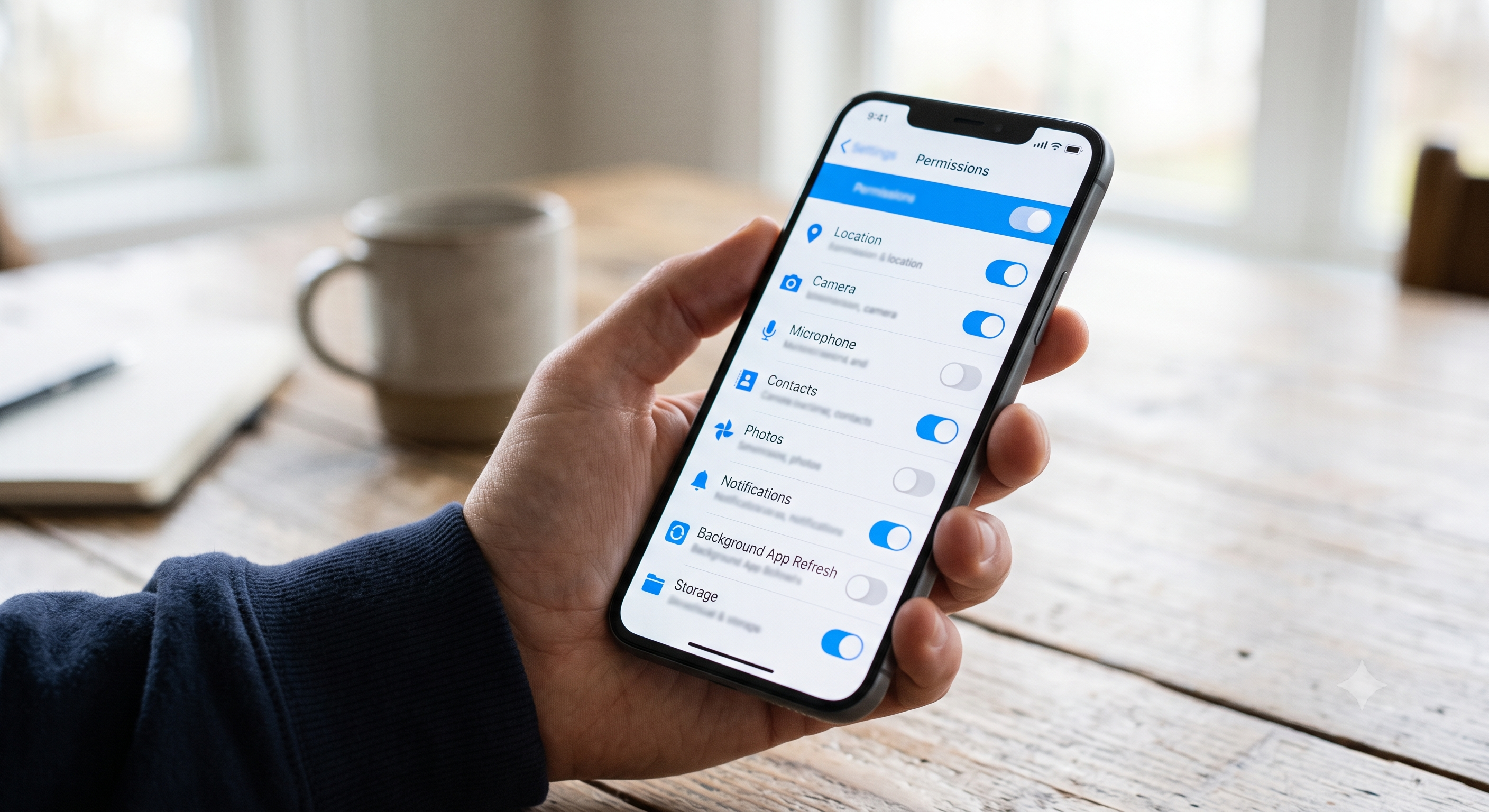
Both iOS and Android run their own version of firewall-equivalent protection at the OS level — app sandboxing that restricts what each app can access, and network permission systems that require apps to request access to specific capabilities rather than getting them by default. It’s not labeled “firewall” anywhere in the settings menu, which is exactly why most people don’t realize it exists or think about managing it.
What’s actually worth checking periodically on a phone, since there’s no single visible firewall toggle to glance at:
- App permissions — both platforms let you review which apps have access to location, contacts, microphone, and background network access. It’s worth a periodic pass, since permissions granted once during setup are rarely revisited even after an app’s actual use changes.
- Background data / background app refresh — restricting which apps can send and receive data when not actively open reduces both your exposure and your data usage, and most people have far more apps with this enabled than they’d choose if asked directly.
- A dedicated mobile firewall app, available on both platforms with varying feature depth, if you want per-app network control closer to what a desktop firewall offers — genuinely useful for anyone who’s sideloaded apps or uses their phone for sensitive work, less necessary for a phone that only runs mainstream app-store apps.
A VPN on mobile matters at least as much as on a laptop, arguably more — phones connect to far more untrusted networks without you thinking about it (retail wifi, transit wifi, a friend’s network) than most laptops ever do, and Surfshark’s unlimited-device pricing means adding a phone doesn’t cost anything extra beyond what you’re already paying for other devices.
Smart Home Devices Change the Calculation
A home with several smart devices — cameras, thermostats, voice assistants — has a meaningfully larger attack surface than one without, since each device is a separate piece of software that can have its own vulnerabilities. A separate guest network or IoT-specific network segment, isolating smart devices from computers and phones handling sensitive information, is a genuinely useful step for smart-home-heavy households that goes beyond what this page covers for a typical setup — worth researching specifically if your home fits that description.
Frequently Asked Questions
Does my router’s built-in firewall already protect me enough?
It handles a meaningful piece of the picture — unsolicited inbound connections — but it does nothing about a network operator seeing your outbound traffic, which is specifically what a VPN addresses.
Do I need a VPN if I only browse at home on my own trusted network?
The case is weaker at home than on public networks, but it’s not zero — your ISP can still see traffic patterns and, in some regions, sell that data. Many people use a VPN selectively rather than constantly for exactly this reason.
Can a firewall block a VPN from working?
Occasionally, particularly on restrictive corporate or public networks. This is usually a configuration issue rather than a fundamental conflict between the two.
Do businesses need something more than a consumer VPN and firewall?
Yes, generally — business networks typically add dedicated firewall appliances, intrusion detection, and site-to-site VPN configurations beyond what a consumer VPN and OS-level firewall provide. This page covers the personal/home-network baseline, not enterprise infrastructure.
Do I need a separate firewall app on my phone, or is the OS-level protection enough?
For most people running only mainstream app-store apps, the OS-level sandboxing and permission system is enough. A dedicated firewall app adds value mainly for sideloaded apps, work devices handling sensitive data, or anyone who wants granular per-app network control.