This page contains affiliate links. If you make a purchase through one, we may earn a commission at no extra cost to you.
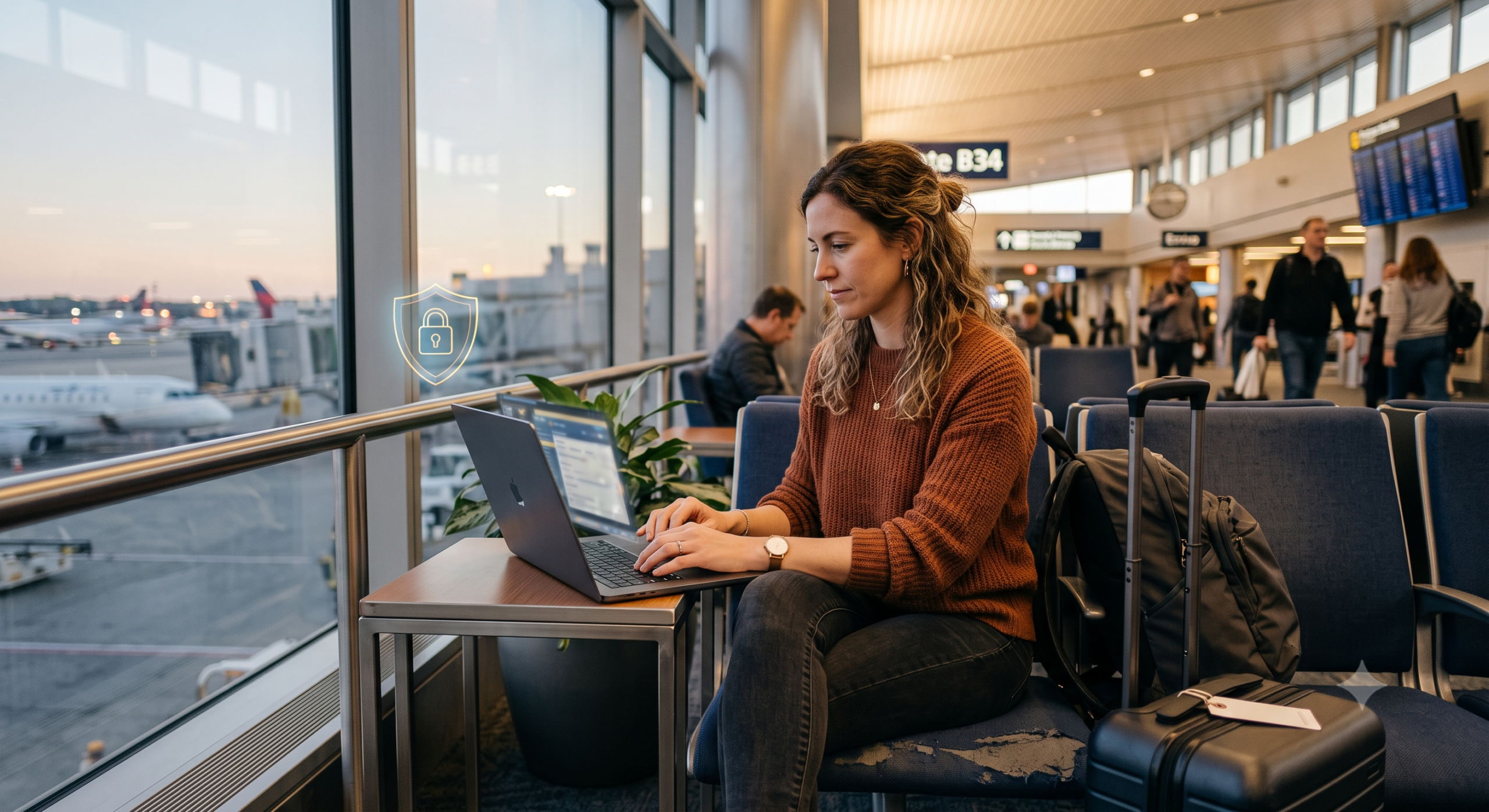
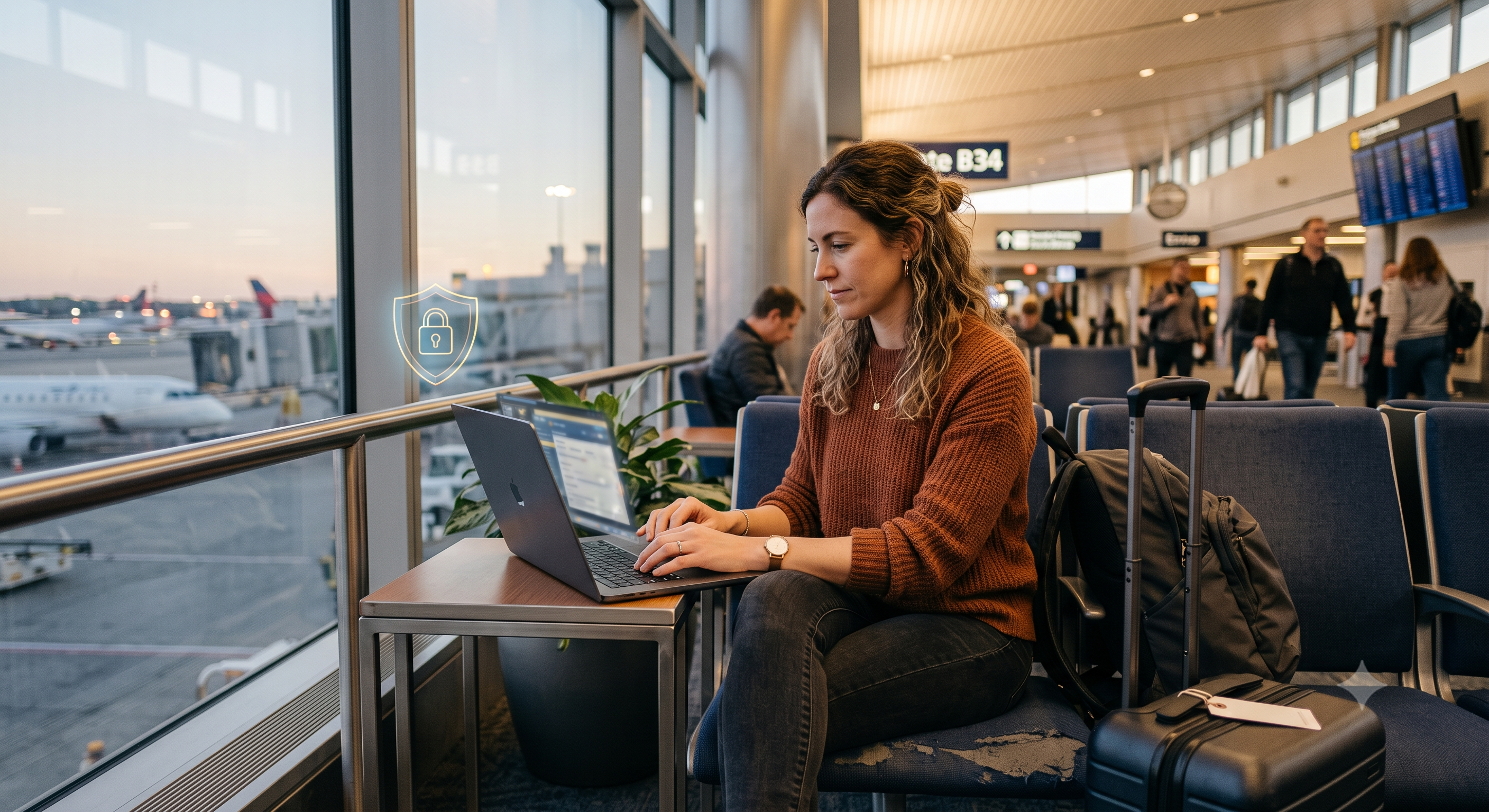
Public wifi is convenient and genuinely riskier than most people treat it. Here’s what’s actually happening on that network, and what actually helps.
What Can Actually Go Wrong
- Packet sniffing — someone else on the same network capturing unencrypted traffic passing through it.
- Evil twin networks — a fake hotspot named to look like the real one (“Airport_WiFi” instead of “Airport_Free_WiFi”), set up specifically to intercept whoever connects.
- Session hijacking — stealing an active login session rather than a password directly.
None of these require a sophisticated attacker. The tools are widely available and the barrier to entry is low, which is exactly why “it probably won’t happen to me” isn’t a great plan on a crowded public network.
What Actually Helps
A VPN encrypts your traffic before it leaves your device, which neutralizes packet sniffing and most session hijacking regardless of which network you’re on or how it’s configured. Beyond that: verify the network name with staff before connecting, disable auto-connect to open networks on your phone, and avoid banking or other sensitive logins on any network you haven’t verified — VPN or not.
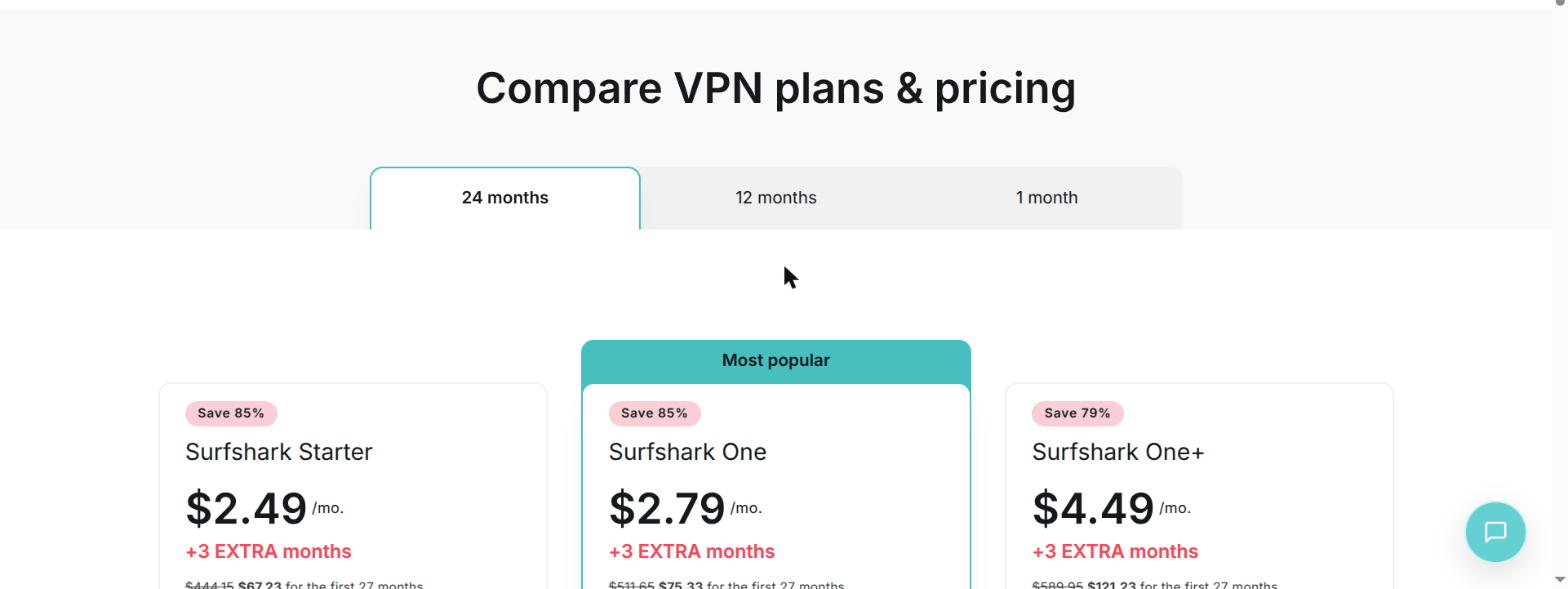
Get Surfshark before your next trip, not during it — some networks block VPN provider sites outright, so set it up while you’re still on a connection you trust. Starter plans are genuinely inexpensive and cover every device in your household under one subscription, with no per-device cap to worry about when everyone’s on the same hotel wifi.
One habit worth building beyond the VPN itself: check your device’s wifi settings periodically for saved networks with generic or suspicious names, and remove ones you don’t recognize or no longer use. Saved networks can auto-connect without you noticing, quietly re-exposing you to a risk you thought you’d moved past.
If You Don’t Have a VPN Available Right Now
A VPN is the single most effective fix, but it isn’t the only option, and there are real situations where it’s not immediately available — a dead phone battery, a network that actively blocks VPN traffic, or simply not having set one up yet. A few mitigations that meaningfully reduce risk on their own, though none replace a VPN entirely:
- Stick to HTTPS sites, and check for the padlock. Most modern browsers actively warn about non-HTTPS connections now, but it’s worth confirming, especially before entering any login credentials — HTTPS encrypts the connection between your browser and that specific site, which blocks packet sniffing for that session even without a VPN.
- Use your phone’s cellular hotspot instead of the public wifi when the data allows it. Cellular data isn’t shared with strangers on the same access point the way public wifi is, making it meaningfully safer for anything sensitive, even without a VPN layered on top.
- Turn off file sharing and AirDrop-style discovery before connecting to any public network — these features are designed for trusted local networks and needlessly expose your device to everyone else on an open one.
- Delay sensitive logins entirely if none of the above are available. Checking email or browsing casually carries real but lower risk; banking, financial transfers, and anything tied to payment credentials are worth waiting on until you’re on a trusted network.
None of these fully replace a VPN’s blanket encryption — HTTPS only protects that one connection, and a determined attacker on the same network can still see which sites you’re visiting even if not the content. They’re meaningful reductions in risk for the moments a VPN genuinely isn’t an option, not a long-term substitute for having one.
Recognizing an Evil Twin Network in Practice
An evil twin is a fake wifi hotspot set up to mimic a legitimate one — often with a name just slightly different, or identical, to the real network — specifically to capture whoever connects to it. The practical defense isn’t spotting a fake name (attackers can make it identical to the real one) — it’s verifying with staff which exact network to join before connecting, and treating any network requiring an unusual login step or app download just to get online as suspicious by default.
Coffee Shops and Hotels: Slightly Different Risks
Coffee shop wifi is usually genuinely open and shared among strangers with no login barrier, which makes packet sniffing the more relevant everyday risk. Hotel wifi often requires a room-number-and-last-name login, which reduces (but doesn’t eliminate) the stranger-on-the-same-network problem, while introducing its own risk: hotel networks are common targets for injected malicious pop-ups or fake software update prompts specifically because guests expect some kind of login portal and are primed to click through prompts without much scrutiny. A VPN addresses the traffic-interception risk in both settings equally; the pop-up and fake-update risk is better handled by simply not installing anything a wifi login page asks you to install.
Traveling Internationally: What Changes
The core risks don’t change abroad, but a few practical factors do, and they’re worth planning for before you leave rather than discovering mid-trip:
- Some countries actively restrict or block VPN traffic, either at specific networks or nationally. This is exactly why setting up your VPN before departure matters — some VPN provider websites themselves are blocked in restrictive countries, making it impossible to even sign up once you’ve arrived. A VPN’s obfuscation feature (Surfshark calls this Camouflage Mode) disguises VPN traffic as regular HTTPS traffic, which helps in networks that block obvious VPN protocols specifically, though it’s not a guarantee against nationally-enforced restrictions.
- Airport and hotel wifi abroad follows the same evil-twin and pop-up risks as domestic travel, but you’re less able to verify network names with staff if there’s a language barrier — worth writing down or screenshotting the exact network name at check-in when it’s provided on a card or receipt.
- Roaming and local eSIMs shift the calculation. If cellular data is affordable and available, it’s meaningfully safer than any public wifi network, foreign or domestic, for the same reasons outlined above — worth budgeting for a local eSIM specifically to reduce reliance on hotel and cafe wifi during a trip, not just for the convenience.
- Public charging stations carry a separate, unrelated risk (“juice jacking”) worth mentioning here since it’s often lumped in with public wifi concerns — a compromised public USB charging port can potentially access device data through the same cable used for charging. A simple charge-only USB adapter or your own wall plug avoids this entirely, and it’s cheap insurance for frequent travelers.
A Habit Worth Building Beyond the VPN
Check your device’s saved wifi network list every few months and remove ones you no longer use or don’t recognize. Devices auto-connect to previously joined networks without prompting, which means a network you joined once, years ago, at a since-compromised location can silently reconnect without you noticing — a small, easily forgotten maintenance habit that closes a real, quiet gap.
Frequently Asked Questions
Is public wifi ever actually safe to use without a VPN?
Browsing low-sensitivity content (reading news, casual browsing) carries lower risk. Anything involving logins, especially banking or financial accounts, is where the real exposure lives, and that’s exactly where a VPN matters most.
Does a VPN protect me from every public wifi risk?
It neutralizes packet sniffing and most session hijacking by encrypting your traffic, but it doesn’t prevent you from connecting to a malicious hotspot in the first place — verifying the network name with staff is still worth doing.
Are hotel business centers or lobby computers safer than public wifi on my own device?
Generally less safe, not more — you have no idea what’s installed on a shared public computer, including potential keyloggers. Your own device on a VPN is the safer choice in almost every case.
Does Surfshark’s Camouflage Mode matter for public wifi specifically?
Less so than for travel to VPN-restrictive countries — most public wifi networks don’t actively block VPN traffic. It’s a bigger factor abroad than at your local coffee shop.
Is it worth buying a local eSIM just for security reasons, not just convenience?
If the cost fits your travel budget, yes — cellular data avoids the shared-network risks of public wifi entirely, and combined with a VPN it’s about as safe as connecting gets while traveling.